
How to play?
Game Rules:
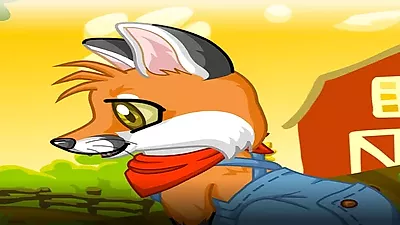
- Rule 1: To begin customizing, interact with the icons positioned on the sides of the screen. These give you access to a wide array of options including fur patterns, eye colors, ears, faces, tails, snouts, clothing, and accessories.
- Rule 2: Maximize your design options by systematically exploring each category. Consider the overall aesthetic you wish to achieve before finalizing selections.
- Rule 3: Beyond the fox itself, customize the environment. Select from various backgrounds such as winter lands, farm views, or nature settings to complement your design.
- Rule 4: Experimentation is key to optimal results. Test different combinations of features and accessories to discover the most visually appealing and unique fox companion.
- Rule 5: After perfecting your fox's appearance and setting, finalize your creation by tapping the green checkmark. This action saves a high-quality photo of your design.
- Rule 6: Utilize the save feature frequently if you are exploring multiple design iterations or themes.
- Rule 7: Share your saved masterpieces with others to showcase your styling expertise and creativity.
Controls:
- Action: Tap the side icons to access and apply different customization items.
- Action: Tap the green checkmark icon to confirm and save a photo of your current design.
- Action: Use the Left Mouse Button to select specific items or options within menus.
- Action: Navigate through the available choices by clicking or tapping as needed.
Lovely Fox Similar Games
If you enjoy this game, you might also like these games with similar gameplay.
FAQ:
- Q: What is the extent of the fur pattern options?
- Q: Is there a limit to how many designs I can save?
- Q: How do the backgrounds enhance the design process?
The game offers nearly a dozen distinct fur patterns, providing a substantial base for customizing your fox's initial appearance.
No, there is no limit. You are encouraged to save as many photos as you desire; simply tap the green checkmark each time you finalize a new look.
The background options, including winter lands, farm views, and nature scenes, allow you to contextualize your fox, adding depth and narrative to your customized creation.



Comments
Be the first to comment!